The kiosk
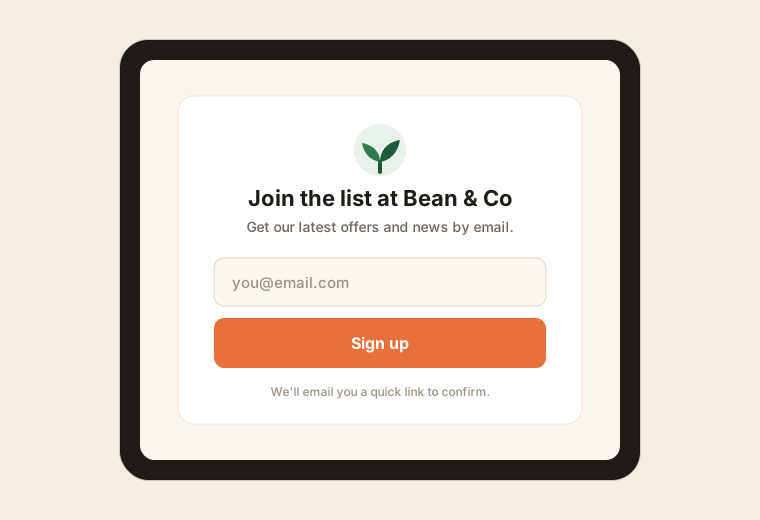
The kiosk is the tablet-facing sign-up screen. A customer enters their email, and SubsTab sends them a confirmation to join your list.
Pair a tablet
Section titled “Pair a tablet”- In the dashboard, open Devices.
- Create a new device and copy the pairing code.
- On the tablet, open the browser to your kiosk URL and enter the code.
The tablet is now linked to your shop. You can name each device (e.g. “Front counter”) so you know where sign-ups came from.
Add it to the home screen
Section titled “Add it to the home screen”The kiosk is a PWA — on the tablet you can Add to Home Screen to run it full-screen like an app, with no browser chrome. Great for a dedicated sign-up tablet.
What the customer sees
Section titled “What the customer sees”- A simple screen with your shop name, logo, and brand color.
- A field to enter their email.
- A confirmation that they’ll get an email to finish signing up.
After they sign up
Section titled “After they sign up”Each new email gets a confirmation message. The person isn’t a subscriber until they tap the confirm link — this double opt-in keeps your list clean and protects your sending reputation. See Subscribers for the statuses.